
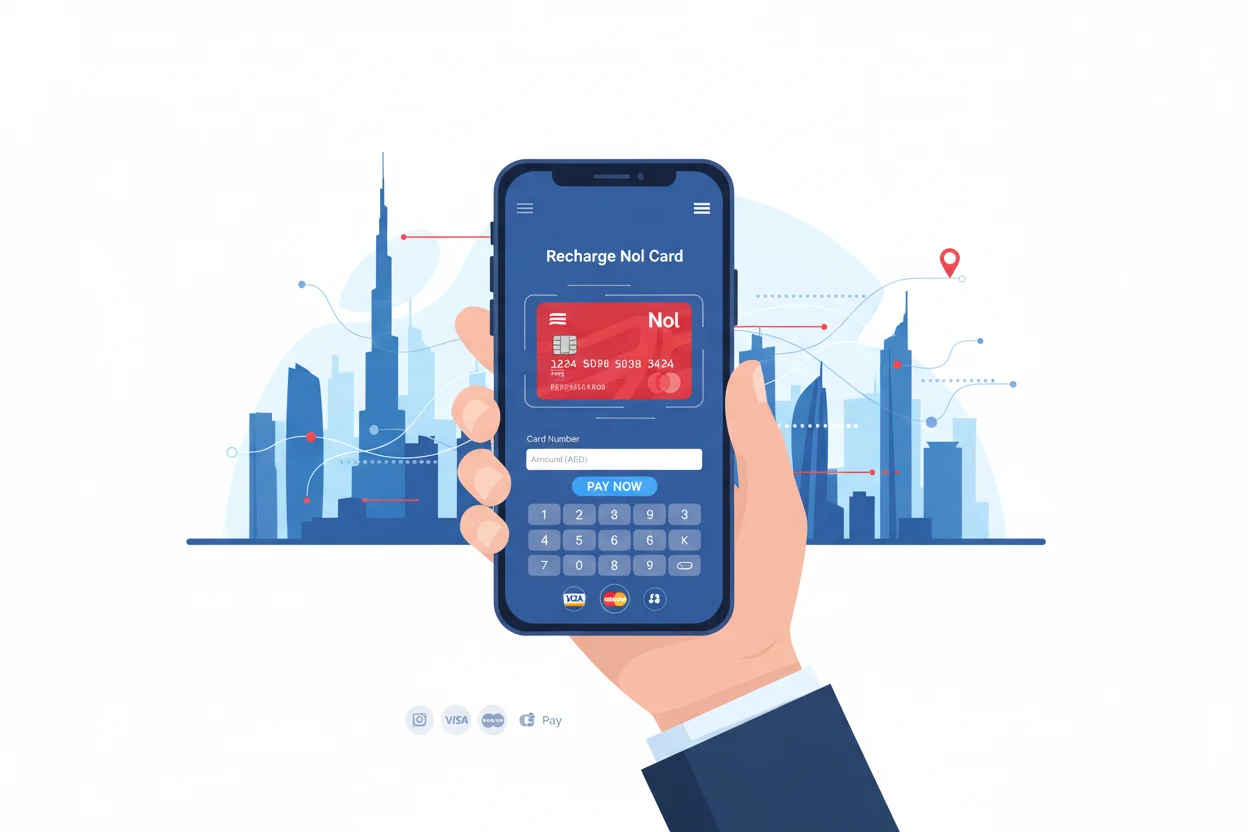
How to Recharge Nol Card Online in Dubai
If you’re traveling around Dubai, Nol card recharge is your go-to solution for hassle-free transportation. Whether you’re commuting on the metro, tram, or bus, recharging your Nol card is essential for smooth travel. Fortunately, you can easily recharge your Nol card online. In this article, we’ll guide you through the steps to recharge your Nol card online and keep you moving around Dubai with ease.
How to Recharge Nol Card Online in Dubai
What is a Nol Card?
A Nol card is a smart travel card issued by the Roads and Transport Authority (RTA) in Dubai. It allows passengers to pay for rides on public transport like the metro, tram, buses, and even some water transport services. Whether you’re a resident or a tourist, having a Nol card is essential for easy and affordable travel within the city. To keep your Nol card functional, you’ll need to recharge your Nol card regularly, especially for continuous travel.
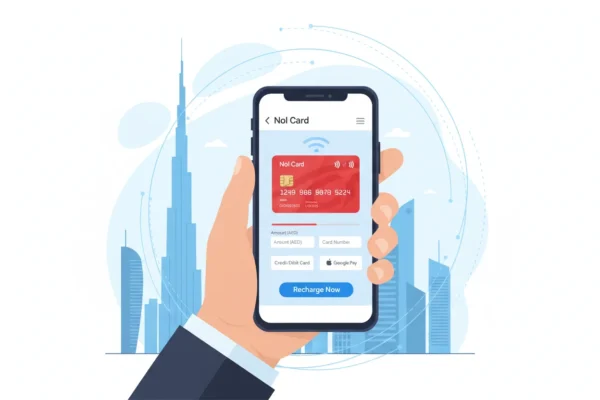
How to Recharge Nol Card Online in Dubai
Why Should You Recharge Your Nol Card Online?
Recharging your Nol card online is a quick and convenient way to keep your travel plans intact without the need to visit physical kiosks or ticket counters. The online process saves you time and effort while providing the flexibility to recharge your Nol card anytime, anywhere. Plus, online recharges are available 24/7, making it easy to top up your Nol card whenever you need it.
How to Recharge Your Nol Card Online: Step-by-Step Guide
Recharging your Nol card online is simple. Just follow these easy steps:
How to Recharge Nol Card Online in Dubai
1. Visit the Official RTA Website
Open your browser and go to the RTA Dubai website (www.rta.ae).
If you don’t already have an account, you’ll need to create one. Click on Register and enter your details to set up your account.
2. Log In to Your RTA Account
After creating an account or if you already have one, log in to the website using your credentials.
How to Recharge Nol Card Online in Dubai
3. Navigate to the Nol Card Services
On the RTA website, go to the Nol Card section under “Services”. Here, you’ll find options for Nol Card Recharge.
4. Enter Your Nol Card Details
Once on the recharge page, you’ll be asked to enter your Nol card number. Ensure the card is linked to your RTA account for easy processing.
How to Recharge Nol Card Online in Dubai
5. Select Recharge Amount
Choose the amount you want to add to your Nol card. The available options typically include increments of AED 20, AED 50, AED 100, or you can enter a custom amount.
6. Make Your Payment
Select a payment method — credit card, debit card, or other supported online payment options. Enter your payment details to complete the transaction.
7. Confirm Your Recharge
After payment, the recharge will be processed, and the funds will be immediately added to your Nol card. You’ll receive a confirmation message on the screen.
8. Check Your Balance
You can check your Nol card balance instantly through the RTA website or the Nol card app to ensure the recharge was successful.
Recharge Nol Card Using the RTA Mobile App
How to Recharge Nol Card Online in Dubai
Alternatively, you can use the RTA Dubai app for a convenient way to recharge your Nol card on the go:
Download the RTA Dubai app from the Google Play Store or Apple App Store.
Log in using your RTA account.
Navigate to “Nol Cards” and select Recharge.
Follow the same steps as on the website to complete your recharge.
Tips for Managing Your Nol Card Online
Set Up Auto-Recharge: Consider setting up auto-recharge for your Nol card, so it automatically tops up when your balance is low. This can be done through the RTA website or app.
Check Your Balance Regularly: Make sure to monitor your Nol card balance regularly, especially before you travel, to avoid running out of credit.
Stay Safe: Only recharge through official platforms like the RTA website and mobile app to ensure your payment information is secure.
How to Recharge Nol Card Online in Dubai
Benefits of Online Nol Card Recharge in Dubai
Convenience: Recharge your Nol card from anywhere at any time.
Time-Saving: Skip the queues at kiosks and ticket counters.
24/7 Availability: Recharge Nol card anytime, even in the middle of the night.
Instant Processing: Recharges are processed immediately, ensuring you can travel without interruption.
Conclusion
How to Recharge Nol Card Online in Dubai
Recharging your Nol card online in Dubai is a fast, secure, and convenient method for keeping your travel plans on track. Whether you’re commuting on the metro, hopping on a bus, or taking the tram, online recharges ensure you’re always ready to go. With the steps outlined above, you can easily manage your Nol card balance and keep exploring Dubai hassle-free.
How to Recharge Nol Card Online in Dubai
Frequently Asked Questions (FAQs)
1. How do I recharge my Nol card online?
To recharge your Nol card online, visit the RTA website or use the RTA Dubai app. Select the recharge amount, enter your payment details, and confirm the transaction.
2. Can I recharge my Nol card using my phone?
Yes, you can easily recharge your Nol card using the RTA Dubai app available on both Android and iOS devices. The app provides a convenient way to recharge at any time.
3. How do I check my Nol card balance after recharging?
You can check your Nol card balance instantly on the RTA website or through the Nol card app. The balance will be updated right after your recharge.
4. Is Nol card recharge available 24/7?
Yes, the Nol card recharge service is available 24/7, allowing you to top up your card at any time of the day, ensuring you never run out of balance.
5. How can I set up auto-recharge for my Nol card?
How to Recharge Nol Card Online in Dubai
You can set up auto-recharge through your RTA account on the website or app. This ensures your Nol card is automatically topped up whenever the balance is low.


